



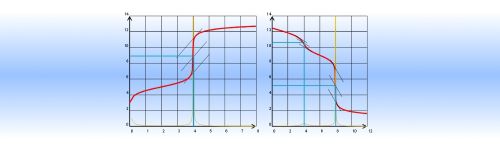
 Logger Pro
 Compétences
 Sinequanon
 TI
TI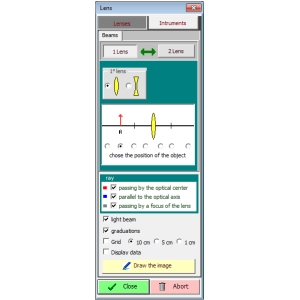
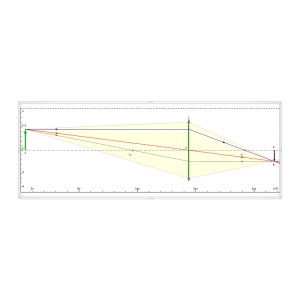
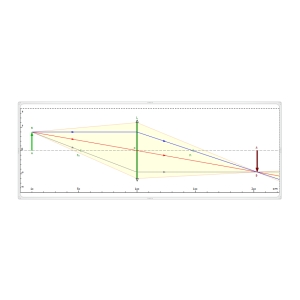
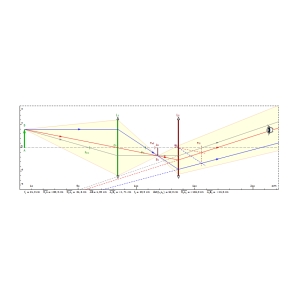
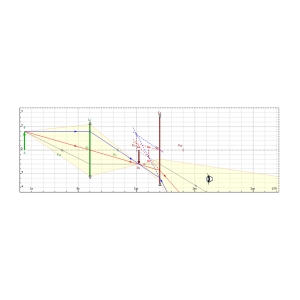
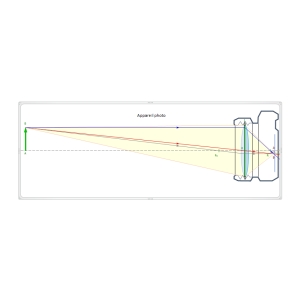








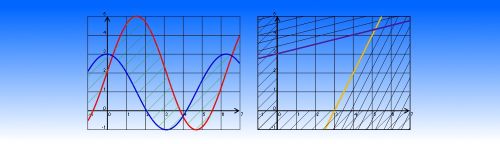
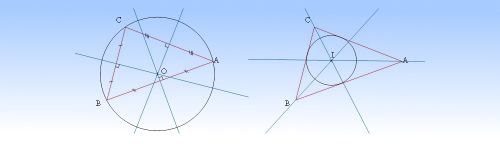
 GeoGebra version 5
 GeoGebra version 4
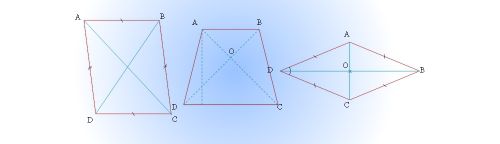
 Cabri II
 Cabri 3D
 Regressi
 Graphmatica
 Atelier Scientifique
 Avistep
 Avimeca
 Synchronie
 Latispro
 Modelis
 Winorphy
 Casio calculator
 .
.








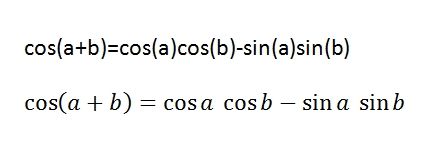
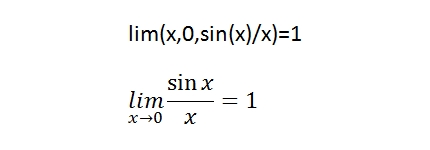
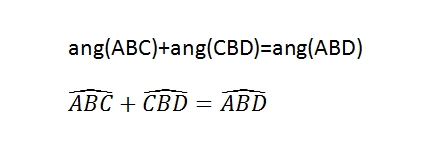
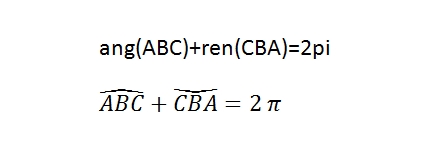

Math-Science is no longer available for sale.
2016 05 23Math-Science version 6.2.7 - Former installation without internet connection
Bug correction in the Optical Bank module when the first line of a document is an equation.
Math-Science version 6.2.6 - Former installation without internet connection
Bug correction in the Optical Bank module concerning Word 2016.
Bug correction in superscripts and subscripts (see Math_Expressions file).
Math-Science version 6.2.5 - Former installation without internet connection
News in the Icon template: TI 83 Premium CE calculator et COMPETENCES.
Math-Science version 6.2.4 - Former installation without internet connection
Bug correction in the Icons template.
Math-Science version 6.2.3 - Former installation without internet connection
Add TI 83 keys in the Icons template.